
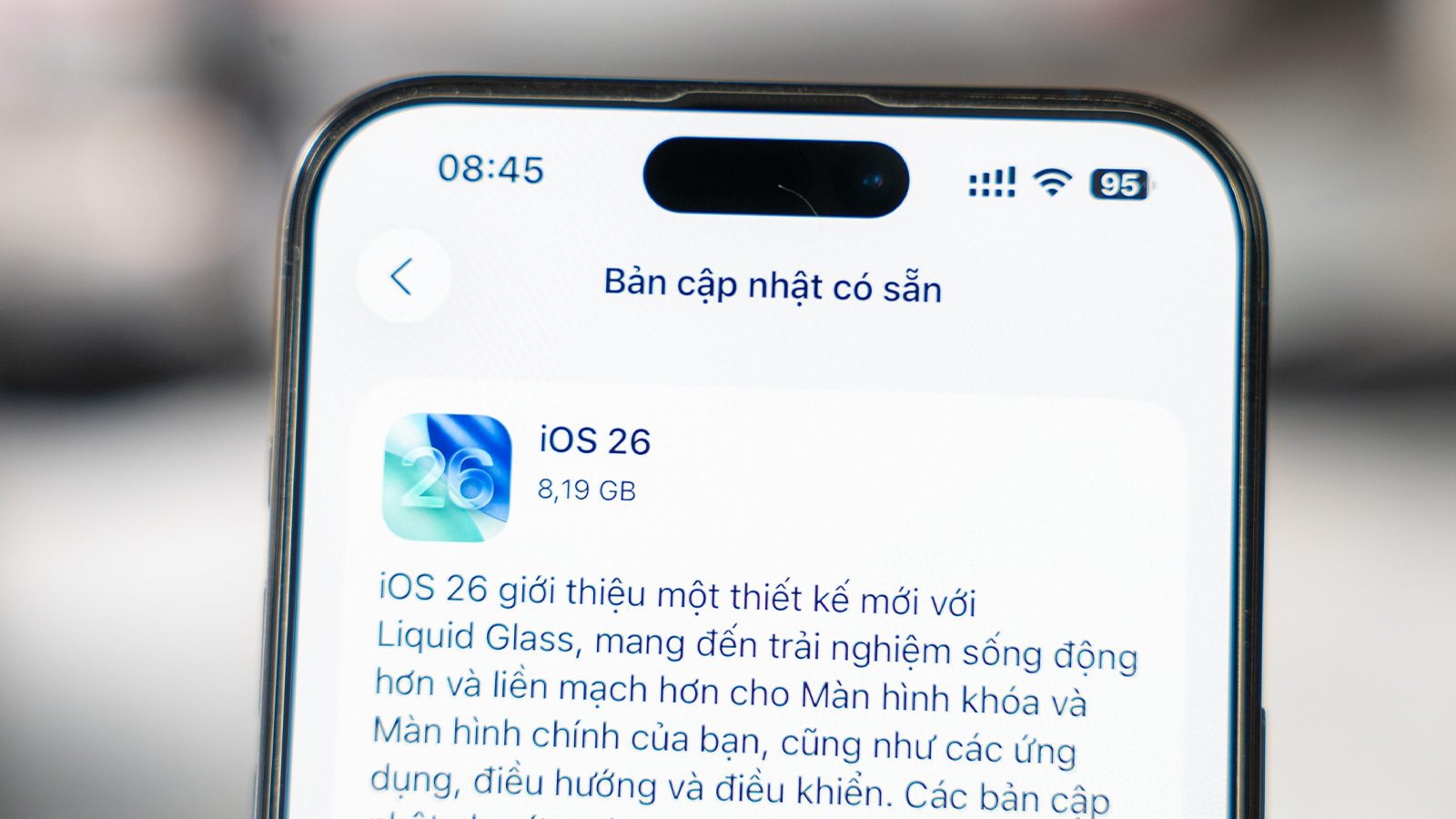

Sau nhiều năm người dùng phàn nàn về hiện tượng iPhone trở nên chậm, nóng và hao pin bất thường sau mỗi bản cập nhật iOS lớn, Apple cuối cùng đã đưa ra lời giải thích chính thức. Hãng xác nhận rằng đây là một hiện tượng hoàn toàn bình thường và chỉ mang tính tạm thời, đồng thời làm rõ những nguyên nhân kỹ thuật đằng sau vấn đề này.
Trong một thông báo mới, Apple cho biết việc cập nhật hệ điều hành là một trong những điều quan trọng nhất để giữ cho thiết bị hoạt động trơn tru, an toàn và tận dụng được các tính năng mới nhất. Tuy nhiên, quá trình này có thể đi kèm với một số tác động ngắn hạn đến hiệu suất và thời lượng pin.
Vì sao iPhone hao pin và nóng hơn sau khi cập nhật?
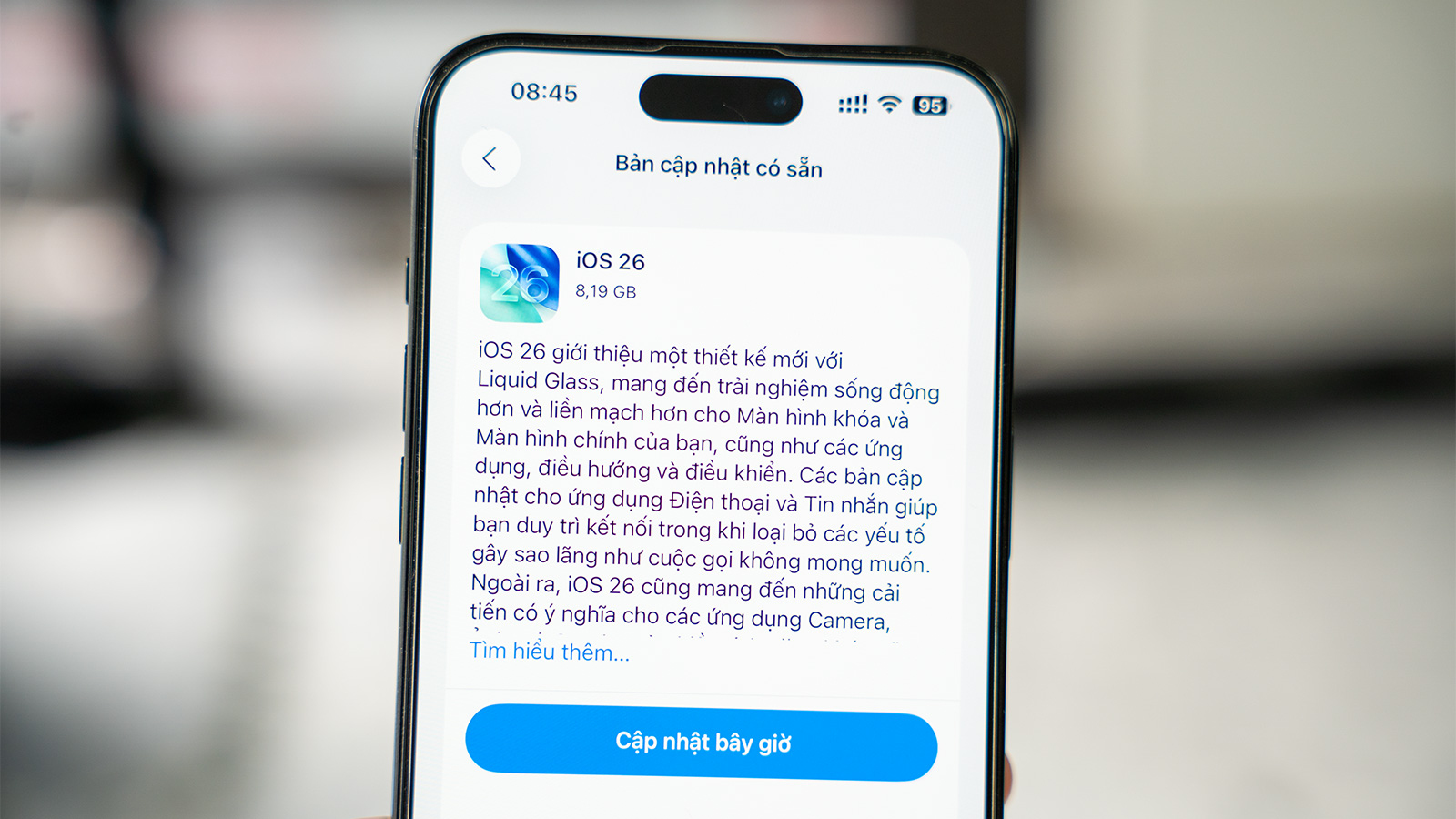
Ngay sau khi hoàn tất một bản cập nhật lớn, đặc biệt là các phiên bản như iOS 26, người dùng có thể nhận thấy thời lượng pin bị giảm sút và máy nóng hơn bình thường. Theo Apple, nguyên nhân là do thiết bị cần thời gian để hoàn tất các quy trình thiết lập trong nền.
Quá trình này bao gồm một lượng lớn các tác vụ như lập chỉ mục lại dữ liệu và tệp tin cho chức năng tìm kiếm, tải xuống các tài sản mới và cập nhật ứng dụng. Các hoạt động này đòi hỏi tài nguyên hệ thống và tiêu tốn năng lượng đáng kể, dẫn đến tình trạng giảm hiệu năng và hao pin tạm thời.
Đây là một phần tất yếu của quá trình nâng cấp. Thông thường, sau khoảng vài ngày khi các tác vụ nền hoàn tất, hiệu suất và thời lượng pin của thiết bị sẽ ổn định và trở lại bình thường. Do đó, người dùng không cần quá lo lắng khi thấy iPhone của mình có vẻ chậm chạp hoặc nhanh hết pin hơn ngay sau khi cài đặt phiên bản hệ điều hành mới.
Không phải mọi thay đổi về pin đều là tạm thời
Tuy nhiên, Apple cũng thừa nhận rằng không phải tất cả các tác động đến pin đều chỉ là tạm thời. Các bản cập nhật phần mềm lớn thường mang đến nhiều tính năng và cải tiến đồ họa mới, chẳng hạn như những thay đổi mang tính cách mạng kể từ thời iOS 7. Những bổ sung này có thể đòi hỏi nhiều sức mạnh xử lý hơn từ phần cứng của thiết bị.
Tùy thuộc vào cách sử dụng của mỗi cá nhân, một số người dùng có thể nhận thấy sự thay đổi nhỏ về tốc độ hoặc thời lượng pin về lâu dài. Khi các yêu cầu về sức mạnh xử lý tăng lên, mức tiêu thụ pin cũng sẽ tăng theo. Apple cho biết hãng liên tục làm việc để tối ưu hóa các tính năng này trong các bản cập nhật tiếp theo nhằm đảm bảo thời lượng pin tốt và trải nghiệm người dùng mượt mà.
Bất chấp những ảnh hưởng tạm thời, Apple nhấn mạnh tầm quan trọng của việc luôn cập nhật hệ điều hành. Các bản cập nhật không chỉ mang lại những tính năng mới mẻ giúp tăng năng suất và trải nghiệm người dùng, mà còn là cách hiệu quả nhất để giữ an toàn cho thiết bị.
Những bản cập nhật này cung cấp các cải tiến bảo mật quan trọng và các bản vá lỗi nghiêm trọng, giúp bảo vệ người dùng khỏi phần mềm độc hại, virus và các mối đe dọa an ninh mạng mới nhất. Ngoài ra, chúng còn bao gồm các bản sửa lỗi giúp cải thiện độ ổn định và độ tin cậy chung của thiết bị. Đối với những người dùng cần thêm thời gian, Apple vẫn tiếp tục cung cấp các bản cập nhật bảo mật cho phiên bản hệ điều hành chính trước đó trong một khoảng thời gian nhất định.
| About Apple software updates Apple regularly provides software updates that improve your device with new features, important security enhancements, and bug fixes. Learn more about why they are important and how they work. Why it’s important to update your software Updating your operating system software is one of the most important things you can do to keep your device running smoothly and securely, and ensure you can take advantage of the latest features. Here’s why staying up-to-date is so important: New features and improvements Software updates bring the latest capabilities to your Apple device. From new capabilities in apps like Messages, Safari, and Mail, to powerful enhancements in system experiences like Control Center and the Lock Screen, to entirely new technologies like Apple Intelligence, updates can help you boost productivity, communicate in new ways, and get so much more out of your Apple product. Software updates also deliver new capabilities for developers to build into their apps. Keeping your device up to date ensures you can take advantage of these features and enjoy the latest innovations from your favorite apps. Enhanced security Updating your software is the most effective way to stay secure. Software updates provide important security enhancements and critical fixes, protecting you against the latest malware, viruses, and other cybersecurity threats. Bug fixes Software updates also include bug fixes that improve the overall stability and reliability of your device. How software updates work Software updates come in two forms: major releases (e.g., 26.0) and minor releases (e.g., 26.1 or 26.1.1). Major releases typically happen once a year and include many new features, improvements, bug fixes, and security enhancements. Minor releases happen regularly throughout the year and can include some new features, along with important security updates and bug fixes. Updating your operating system is easy and you can choose to have updates installed automatically. Apple provides details of the software update in Settings so that you can view before installing it. New software updates are rolled out in stages, initially available in Settings for users who choose to manually download and install them. After that, Apple also begins notifying users and automatically updating for those who have auto updates enabled. For those who need a little more time before upgrading after a major software upgrade is made available, Apple continues to offer security updates to the previous major operating system version for a period of time. Performance and battery impact Apple’s hardware and software are designed together to deliver great performance and great battery life. As new features and improvements are added, they can change the way we use our devices, as you explore and utilize these new capabilities. Here are some important things to keep in mind: Immediately after completing an update, particularly a major release, you might notice a temporary impact on battery life and thermal performance. This is normal, as your device needs time to complete the setup process in the background, including indexing data and files for search, downloading new assets, and updating apps. New features are exciting and help you get even more out of your Apple product, though some may require additional resources from the device. Depending on individual usage, some users may notice a small impact on performance and/or battery life. Apple continually works to optimize these features in software updates to ensure great battery life and a smooth user experience. |